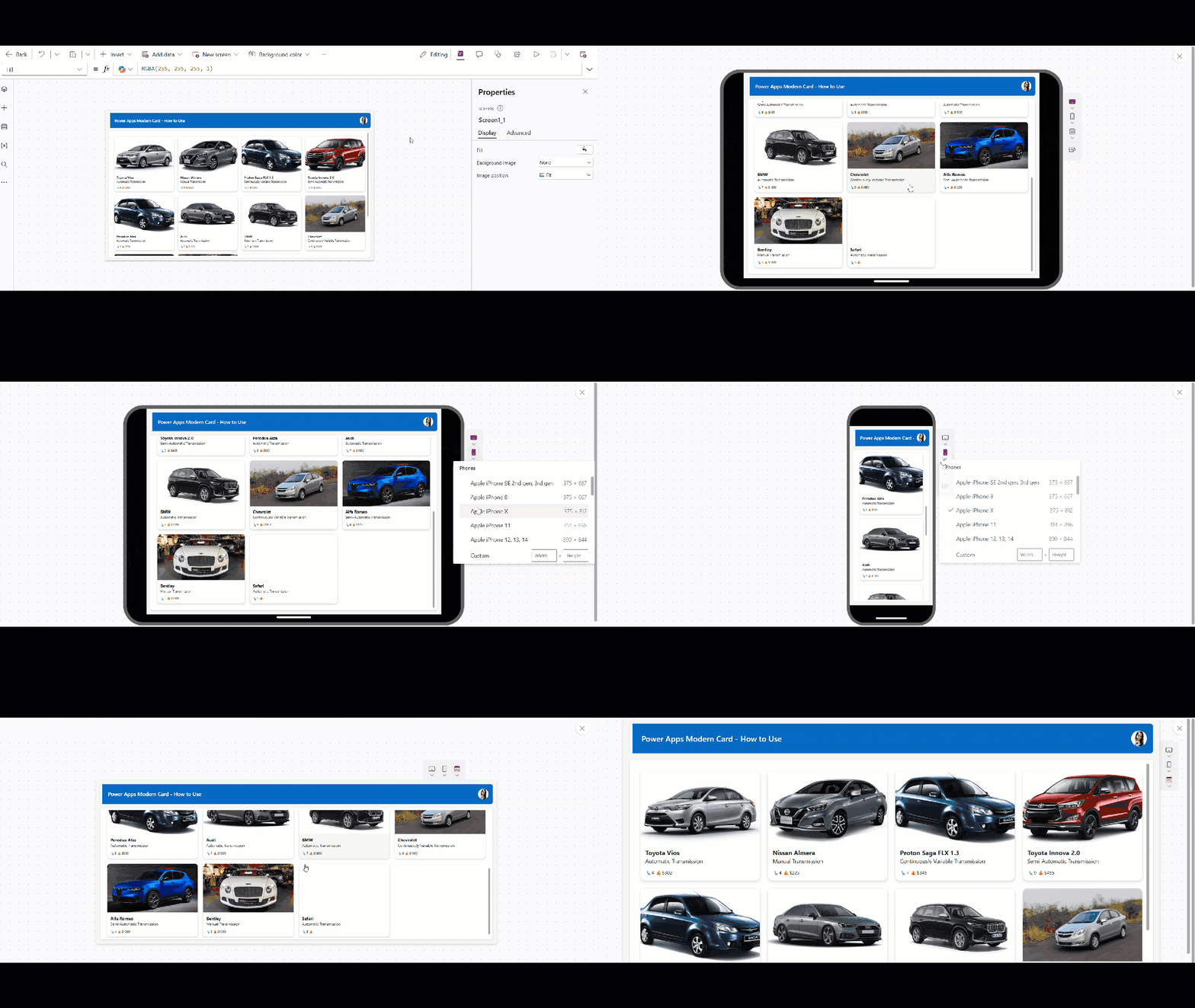
Power Apps Modern Card Control – Create Responsive Cards Quickly

Power Apps Modern Card Control

Imagine you are building an app that needs to display a quick summary of information, such as a list of employees, documents, or products. Instead of placing many separate controls on the screen, you can use Cards to keep everything clean and organized. Power Apps recently released a new modern control called Card that helps users display … read more…

10 SharePoint Mistakes That Cost Companies Thousands Dollars

SharePoint Mistakes That Cost Companies Thousands Dollars

SharePoint is a powerful collaboration platform that can change how your company manages documents, workflows, and team communication. But if you set it up poorly, it can quietly drain your budget through wasted storage, low productivity, and security headaches. Many mid-sized companies lose thousands every year because of simple mistakes that honestly could’ve been avoided. … read more…

How to Get Tenant Name in Power Automate

How to Get Tenant Name in Power Automate

When I was working on a Power Apps and Power Automate solution to create SharePoint sites automatically, I needed it to work across any tenant. The flow creates SharePoint sites via REST API calls, so we must pass the tenant name. However, Power Automate does not provide any direct action or function to get the tenant … read more…

Remove User From SharePoint Group Using Power Automate

How to Remove User from SharePoint Group Using Power Automate

In my previous post, I mentioned that I am working on a product that creates SharePoint sites using Power Apps and Power Automate. When the site is created, I am adding the current user as an Owner of that site. But after the site is created, I need a way to remove that user from … read more…

How to Check if SharePoint Site Already Exists in Power Automate?

How to Check if SharePoint Site Already Exists in Power Automate

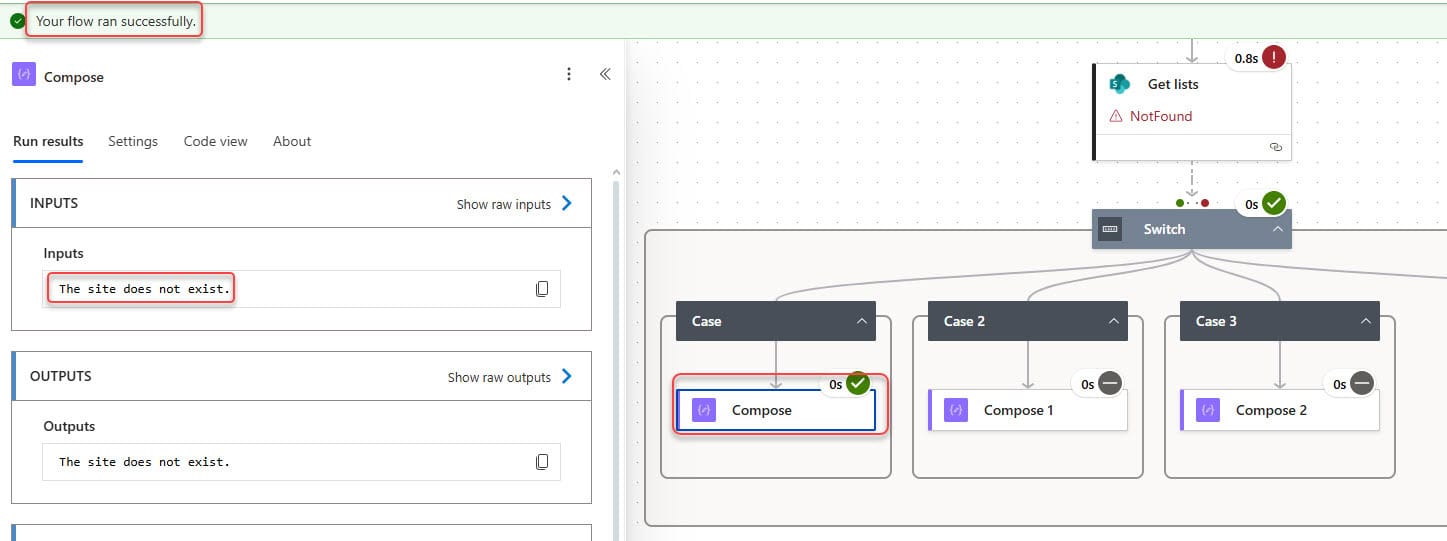
I am currently working on a small but useful product for creating SharePoint sites using Power Apps and Power Automate. I designed a Power Apps screen that allows people to enter required details, such as the site name, owner, visitor, and storage. After users submit the data, I created a Power Automate flow that uses … read more…

Start and Wait For an Approval of Text Action in Power Automate

Start and wait for an approval of text Action in Power Automate

While working on an approval workflow for one of my client projects, I ran into an unexpected issue. The requirement was simple: the approver needed to enter a custom text response instead of just choosing Approve or Reject. But when I tried using the regular Start and wait for an approval action, I realized it … read more…

How to Create a Sequential Approval Flow in Power Automate

Set up sequential approvals Power Automate

In many organizations, not every request can be approved by just one person. Some requests, such as budget increases, purchase orders, leave requests, or project approvals, require approval from multiple people in a specific order. First, the team lead; then the manager; then the finance team; and sometimes even the director. If any one person … read more…

Difference Between Team Site and Communication Site in SharePoint

communication site vs team site

SharePoint is a powerful platform within the Microsoft 365 ecosystem that enables collaboration, information sharing, and content management across organizations. As organizations increasingly rely on digital solutions for teamwork and communication, understanding the difference between SharePoint Team Sites and Communication Sites is essential. Choosing the right site type ensures efficiency, employee engagement, and smooth business … read more…

SharePoint Online vs. SharePoint On-Premise: Which Is Right for Your Organization?

SharePoint Online vs SharePoint OnPremise

Recently, we got an inquiry from a banking client to implement SharePoint for their internal team, mainly for document management and approval workflows. The first question they asked was about the difference between SharePoint Online vs. SharePoint on-premises. Should they go for SharePoint Online, which is a part of Microsoft 365, or should they go … read more…

Live Webinar

Build an IT Help Desk App using Power Apps and Power Automate

Join this free live session and learn how to build a fully functional IT Help Desk application using Power Apps and Power Automate—step by step.

📅 29th Apr 2026 – 10:00 AM EST | 7:30 PM IST

Download User registration canvas app

DOWNLOAD USER REGISTRATION POWER APPS CANVAS APP

Download a fully functional Power Apps Canvas App (with Power Automate): User Registration App

Power Platform Tutorial

FREE Power Platform Tutorial PDF

Download 135+ Pages FREE PDF on Microsoft Power Platform Tutorial. Learn Now…