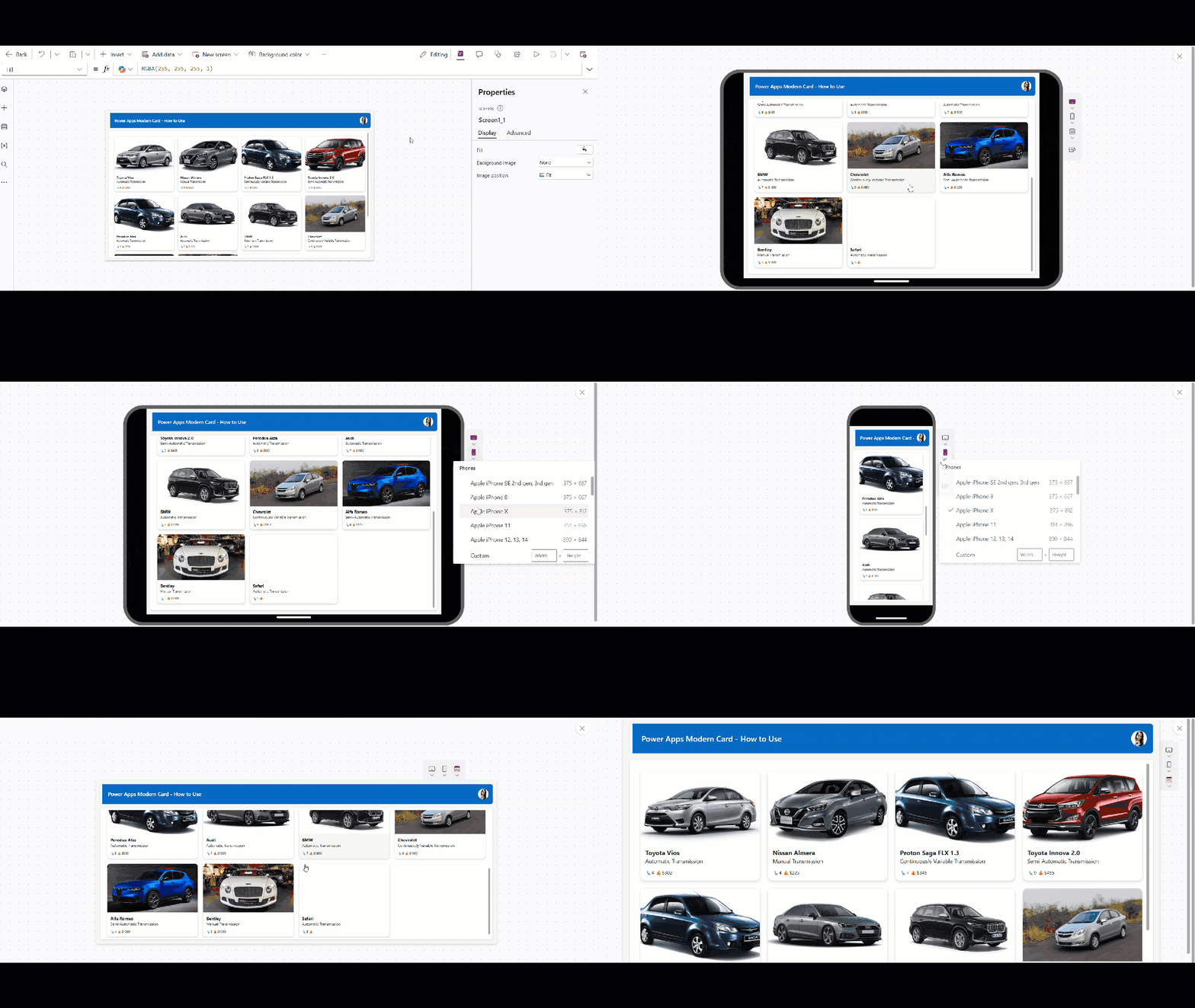
Power Apps Image Control – How to use

Power Apps image from SharePoint list

A few days ago, I was working on a Power Apps project where users needed to upload images directly from the app. The requirement was simple: employees should be able to upload photos like profile pictures, site images, or document snapshots and view them later in the same app. While building this, I realized that … read more…

Dataverse Image Column – How to Use

dataverse images in forms

A few days back, I was working on a project where the client wanted to store images directly inside Dataverse. The requirement was simple: users should be able to upload photos like profile pictures, documents, or site images from a Power Apps form, and those images should be saved securely in Dataverse instead of SharePoint … read more…

How to Search User in Power Apps [By Name, Department, JobTitle]

Power Apps Search User

While working on a Power Apps application, there was a screen where the admin wanted to search and filter the gallery based on Microsoft 365/Office 365 users. Let’s say there is a Dropdown control containing departments such as IT, HR, and FINANCE, and a Text input control. Admin will navigate to the screen and select … read more…

How to Search in a Power Apps Gallery [With Examples]

How to Search Power Apps Gallery

While working on an internal app, a Power Apps gallery contains more than 100 records. Whenever I wanted to search for an item in the gallery, I kept scrolling to find the specific record, which took too long. To make the search thing easier, I added a Text input box where users can type exactly what they … read more…

Dataflow in Dataverse [How to Create & Use]

How to create dataflow in Power Apps

While working on Power Apps projects, I often had to move data from various sources, such as SharePoint lists, Excel files, and other systems, into Dataverse. Doing this manually every time was impractical, especially since the data needed to stay up to date. This is where Dataverse Dataflows became really useful. In this tutorial, we … read more…

Easiest Way to Upload Images to Dataverse From Power Apps

powerapps upload image file to dataverse

While working on a client project, I faced a common requirement. The client wanted users to upload images directly from a Power Apps form and store them securely in Dataverse. This was needed for scenarios like uploading ID proofs, profile photos, or supporting documents during form submission. At first, it sounded simple, but when you … read more…

Power Apps Dataverse Yes/No Field [With Examples]

Power Apps Filter Yes No column Dataverse

When building apps in Power Apps, we often need fields to store simple true/false values, such as Is Active? Is it approved? Or has Email been Sent?. In Dataverse, this type of field is called a Yes/No field. In one of my apps, I needed a simple way to track things like whether a record … read more…

How to Get Tenant Name in Power Apps

How to Get Tenant Name In Power App

When I was working on a Power Apps and Power Automate solution for a client who wanted to create SharePoint sites automatically. Users would fill in details such as site title, internal name, storage quota, description, owners, members, and visitors in Power Apps. After submitting the form, Power Automate creates the SharePoint site using a … read more…

Power Apps Charts Tutorial: Visualize SharePoint Data using Pie Chart

Power Apps Charts

Did you know we can use Power Apps to generate dynamic and powerful charts? Yes, we can generate visually appealing charts with other tools, such as Power BI, by leveraging Power Apps Chart Controls. This Power Apps tutorial explains what Power Apps Charts mean, different types of chart controls in Power Apps, and how to add … read more…

How to Create Dataverse File Field [With Examples]

Create Dataverse File field

When I was building an internal Power Apps solution for one of our teams, we needed a way to store documents directly inside Dataverse, things like invoices, agreements, and small supporting files. At first, it looked simple, but once we started working on it, questions came up: How much file size does Dataverse support? Can … read more…

Remove Commas From Dataverse Number Field

How to remove thousand separator from dataverse number column

While working on a Power Apps Model-Driven App, the Contact Number field was created as a Number column in Dataverse. However, the numbers were displayed with commas as thousand separators, which made the contact numbers look confusing. The requirement was to remove these commas and display the numbers as a clean, continuous string. In this Dataverse … read more…

Microsoft Power Apps Vibe: The AI-Native Power Apps Experience

Power Apps vibe

Are you ready to know about the new Power Apps experience, recently announced by Microsoft? Power Apps Vibe, the AI-Native Power Apps experience for future app development. I will explain everything about it and also show an example of creating a fully functional App using Power Apps Vibe. Power Apps Vibe Introduction The new Power … read more…

Power Apps functions free pdf

30 Power Apps Functions

This free guide walks you through the 30 most-used Power Apps functions with real business examples, exact syntax, and results you can see.

Download User registration canvas app

DOWNLOAD USER REGISTRATION POWER APPS CANVAS APP

Download a fully functional Power Apps Canvas App (with Power Automate): User Registration App