Fix: A Timeout Occurred While Loading The Connections Picker Power Apps

A timeout occurred while loading the connections picker

If you’ve ever tried importing a Power Apps solution into a new environment and suddenly hit this error below: You’re not alone. This error is frustrating, confusing, and honestly… poorly explained by Microsoft. I personally faced this issue while importing a solution into a new Power Platform environment. The import failed. The connections picker didn’t … read more…

Add SharePoint List Fields From Excel Using PnP PowerShell

PowerShell script to create list columns in SharePoint Online from excel

When I build Power Apps solutions for clients, SharePoint lists are almost always part of the setup. And most of the time, these lists require many fields. Sometimes 30. Sometimes 40+. Manually creating them was a big waste of time. So I started using PnP PowerShell to automate this.One script -> Run it once -> … read more…

Easiest Way to Restore Deleted Apps in Power Apps

How to Restore Deleted Apps in PowerApps

Recently, a client brought our Power Apps employee leave management application and requested customizations to align with their business standards. While making those changes, I noticed a few duplicate environment variables and decided to clean them up. Unfortunately, one of those variables was still linked to the app, and deleting it also deleted the entire … read more…

How to Change Connection Reference in Power Automate Flow?

How to Change Connection Reference in Power Automate Flow

I was working on a Power Automate flow that was moved from one environment to another. The flow was running, but it was using the wrong connections. Because of this, the flow started failing or sometimes ran under the wrong user account. After checking the flow settings, I found that the issue was related to … read more…

How to Copy Agent Builder Agent to Copilot Studio?

export agent copilot studio

Last year in December, I wrote a detailed blog post on how to create a custom agent using Agent Builder. Agent Builder is a no-code platform, and it makes it very easy to create agents without writing any code. At that time, if we wanted to extend the agent with advanced triggers, tools, or custom … read more…

Power Apps Modern Card Control – Create Responsive Cards Quickly

Power Apps Modern Card Control

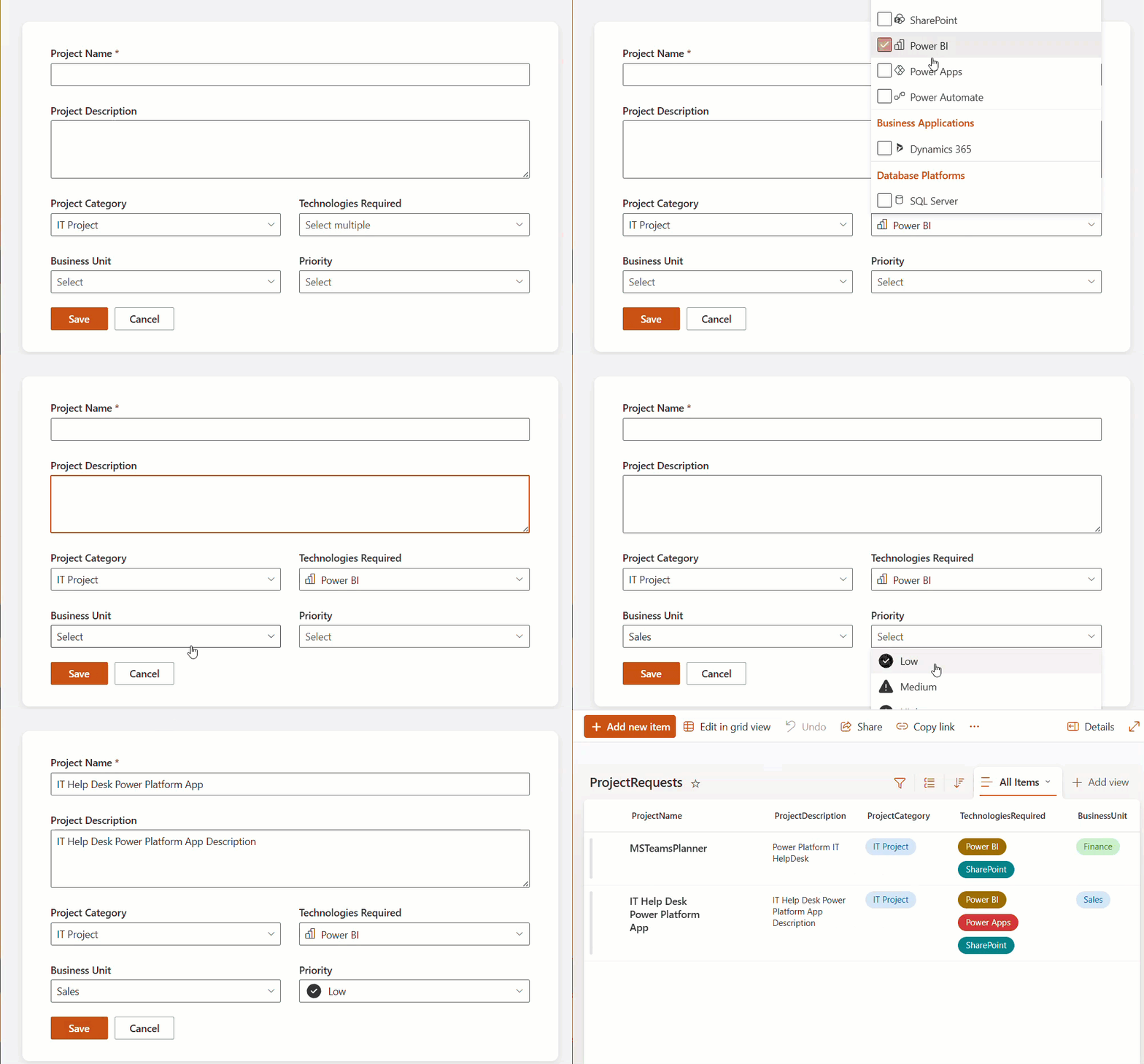
Imagine you are building an app that needs to display a quick summary of information, such as a list of employees, documents, or products. Instead of placing many separate controls on the screen, you can use Cards to keep everything clean and organized. Power Apps recently released a new modern control called Card that helps users display … read more…

How to Add Custom Controls in SPFx Property Pane

Add Custom Controls in SPFx Property Pane

When building SPFx web parts, the property pane is the primary way to let users configure how the web part behaves without touching any code. In one of our SharePoint Online projects, we needed to show list or library data directly on a modern page and still allow site owners to choose which list and how many … read more…

How to Convert yyyymmdd to Date Format in Power BI?

Power BI Format Date for Display Using DAX

Recently, I was working on a Power BI report. At first, everything looked fine. The data was loading properly, visuals were created, and slicers were added. But when I started using a date column in charts and filters, I noticed some issues. The dates were not showing correctly. In some visuals, Power BI treated the … read more…

Power Apps Image Control – How to use

Power Apps image from SharePoint list

A few days ago, I was working on a Power Apps project where users needed to upload images directly from the app. The requirement was simple: employees should be able to upload photos like profile pictures, site images, or document snapshots and view them later in the same app. While building this, I realized that … read more…

Dataverse Image Column – How to Use

dataverse images in forms

A few days back, I was working on a project where the client wanted to store images directly inside Dataverse. The requirement was simple: users should be able to upload photos like profile pictures, documents, or site images from a Power Apps form, and those images should be saved securely in Dataverse instead of SharePoint … read more…

Power Apps functions free pdf

30 Power Apps Functions

This free guide walks you through the 30 most-used Power Apps functions with real business examples, exact syntax, and results you can see.

Live Webinar

SharePoint Permission Checker Agent using Microsoft Copilot Studio

Learn how to build a SharePoint Permission Checker Agent using Copilot Studio. Using this agent, you can check library-level and file-level permissions. Also, identify Users, SharePoint Groups, and Permission Levels.

📅 1st July 2026 – 10:00 AM EST | 7:30 PM IST

Download User registration canvas app

DOWNLOAD USER REGISTRATION POWER APPS CANVAS APP

Download a fully functional Power Apps Canvas App (with Power Automate): User Registration App